
ITSM · Platform Optimisation
You already paid for the fix. It’s just not switched on
Most underperforming service desks don’t need a new platform. They need the one they own configured to do the job it was bought for.
Sound like where you are?
You don’t need to replace the platform to fix what’s wrong with it.
The platform went live. The improvement didn’t.
Implementation finished months ago, and the team is still working the way it did before.
Automation you’re paying for, sitting idle.
Routing, approvals and workflows the licence includes, still being done by hand.
Reporting nobody trusts.
The dashboards exist, but decisions still run on gut feel and hallway conversations.
What you walk away with
A configuration health check, in writing.
Exactly what’s set to defaults instead of your operation, and what it’s costing you.
Workflows that match how your team works.
Routing, approvals and escalations that stop needing a human to push them along.
Automation switched on, where it’s earned.
The capability you already pay for, activated where the process is ready, not before.
Reporting your exec actually trusts.
Clean numbers, so the monthly conversation moves from defending to deciding.
How the optimisation runs
Find where the platform is falling short
We audit configuration, workflows and usage data against how your team actually operates. The gap between the two is the work.
Fix configuration and workflows
Categories, routing, approvals and SLAs rebuilt around your operation, not the vendor’s defaults.
Activate automation
The routing, triage and fulfilment capability you already pay for, switched on where the process supports it.
Repair reporting
Clean data in, trusted numbers out. Dashboards your exec reads without an interpreter.
Measure what changed
We review ticket data after the changes settle and tune what needs tuning. The goal isn’t a finished configuration. It’s a service desk that measurably runs better.
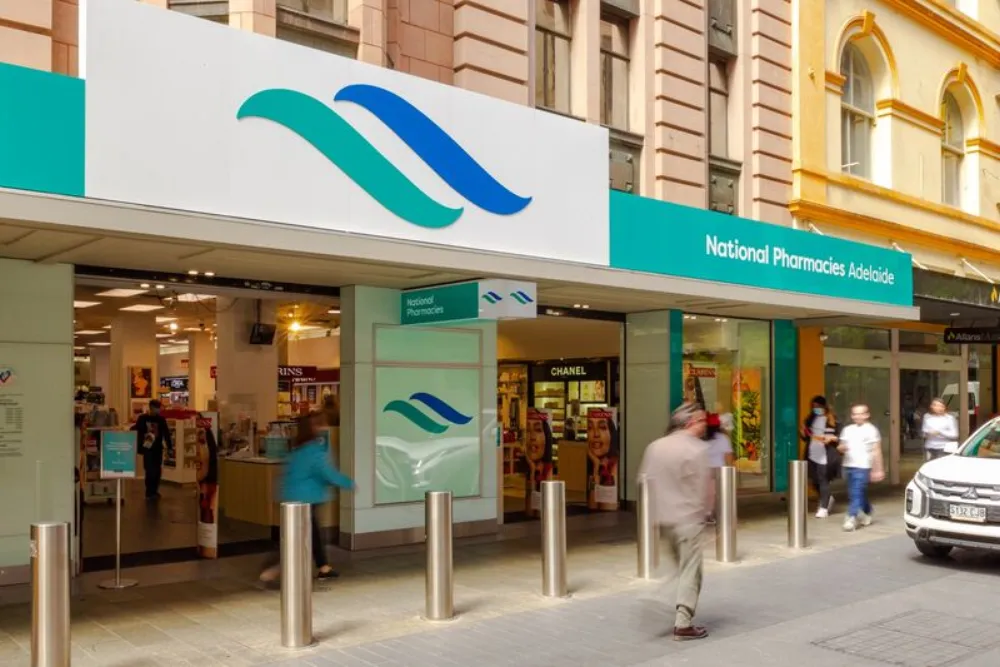
See how National Pharmacies accelerates service delivery with KlickFlow
65+
healthcare locations supported
6 wks
to a clean, confident launch
0
added headcount to run it
Questions we get asked
We’re not on a Freshworks platform. Does that matter?
No. Optimisation is about how your platform is configured against how your team works, and that applies whatever you run. If your platform genuinely can’t do what you need, we’ll tell you that too.
How is this different from just calling the vendor’s support line?
Support answers product questions. Optimisation is operational: how your categories, workflows and automation map to the way your organisation actually runs. That’s consulting work, not a support ticket.
Do we need downtime for this?
No. Optimisation happens on the live platform, changes are staged and tested before they apply to your whole operation.
How long does optimisation take?
It depends on what the diagnostic finds, a configuration fix is a different job to a full workflow rebuild. Engagements are fixed-scope either way, so you’ll know the timeframe and the cost before anything starts.
What if the platform genuinely is the wrong fit?
Then we’ll tell you, with the evidence. The diagnostic is honest either way, and if a move makes more sense than a fix, that conversation happens before you spend anything on optimisation.
Find out why your team still works around it
Thirty minutes with a senior consultant. You’ll leave knowing whether the problem is the platform or the setup, and what to fix first.
30 minutes. No pitch. No commitment.